
Image Mirror
Flip and mirror your images with precision
Drag & Drop your image here
or click to browse files (JPG, PNG, GIF, BMP, etc.)
Original Image
Flipped Preview
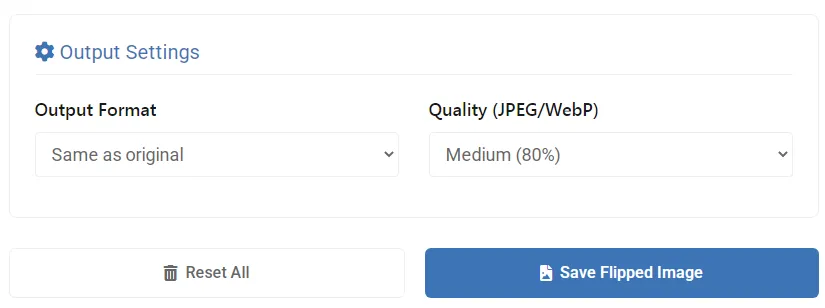
Output Settings
Image Mirror Online – The Complete Guide to Flipping Images with Precision
Why Mirroring Images Matters in Digital Content Creation
Image mirroring is more than just a basic editing function – it’s a powerful creative tool that helps you:
✅ Create Perfect Compositions – Balance visual elements in your designs
✅ Fix Camera Mirroring – Correct front-facing camera distortions
✅ Produce Visual Variations – Create multiple versions of product images
✅ Enhance Artistic Projects – Generate interesting symmetrical effects
Our Image Mirror Online tool gives you professional-grade flipping capabilities while keeping your images completely private – all processing happens in your browser with no server uploads.
How to Use the Online Image Mirror Tool
Step 1: Access the Free Mirroring Tool
- Visit the Image Mirror Online tool
- The interface loads instantly – no software installation required
Step 2: Upload Your Image
Supported formats: JPG, PNG, GIF, BMP, WebP
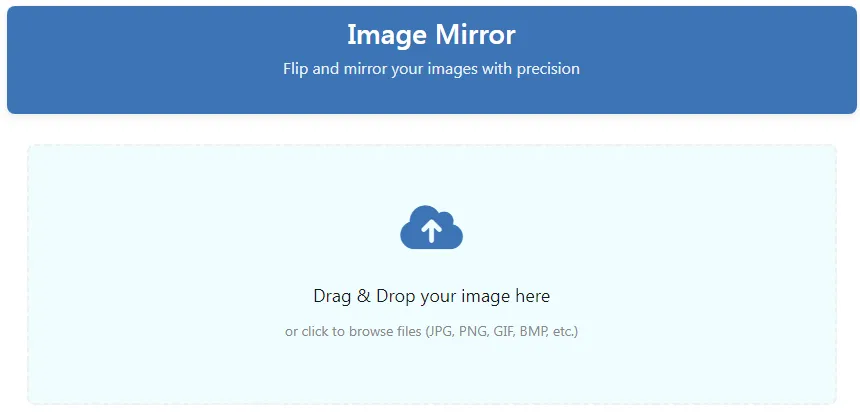
- Drag & Drop files directly into the workspace
- Click to Browse your device folders
📌 Pro Tip: The tool preserves original image quality during mirroring operations!
Step 3: Choose Your Mirror Effect
Basic Flip Options
- Horizontal Flip – Creates a mirror image (left-right reversal)
- Vertical Flip – Flips image upside down
- Flip Both – Combines horizontal and vertical flips
Advanced Mirroring
- Horizontal Only – Mirrors just the horizontal axis
- Vertical Only – Mirrors just the vertical axis
Step 4: Preview Changes Instantly
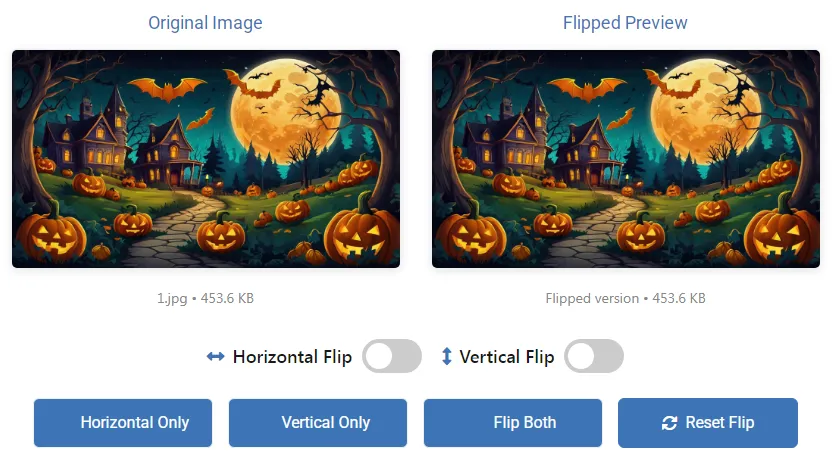
- Side-by-side comparison of original and mirrored versions
- File size estimation for flipped image
- Toggle between different flip modes to compare effects
Step 5: Set Output Preferences
- Format Options: Keep original or convert to JPG/PNG/WebP
- Quality Settings: 60-100% (for JPG/WebP formats)
Step 6: Save Your Mirrored Creation
- Save Flipped Image Button – Download your transformed image
- Reset Button – Clear current image and start fresh
Key Features of Our Image Mirror Tool
🔄 Multiple Mirroring Options
Complete control over horizontal and vertical flips
👁️ Real-Time Preview
Instant visual feedback before saving
🖼️ Format Flexibility
Maintain original format or convert as needed
⚡ Browser-Based Processing
No waiting for server responses – edits happen instantly
🔒 Complete Privacy Protection
Your images never leave your computer
Who Benefits Most from Image Mirroring?
📸 Smartphone Photographers
- Fix front-camera mirroring in selfies
- Create interesting portrait variations
🛍️ E-Commerce Professionals
- Generate multiple product views from single images
- Create symmetrical product displays
🎨 Graphic Designers
- Experiment with visual balance in compositions
- Create symmetrical design elements
🧪 Scientific Researchers
- Prepare mirrored image sets for experiments
- Create control versions for visual studies
Pro Tips for Effective Image Mirroring
- For Portraits: Subtle horizontal flips can create more balanced facial compositions
- For Products: Mirror images to show different angles without new photography
- For Social Media: Create mirrored versions for A/B testing engagement
- Quality Matters: Always use 90-100% quality for important images
- Web Optimization: WebP format at 80% quality offers excellent compression
Technical Aspects of Image Mirroring
How Mirroring Affects Different Image Types
| Image Type | Horizontal Flip Effect | Vertical Flip Effect |
|---|---|---|
| Portraits | Changes perceived facial asymmetry | Creates upside-down version |
| Text Images | Makes text unreadable | Makes text upside-down |
| Landscapes | Changes composition balance | Alters sky/ground relationship |
| Products | Shows “other side” view | Rarely useful |
File Format Considerations
- JPG: Best for photographs, smaller file sizes
- PNG: Ideal for graphics with transparency
- WebP: Perfect balance of quality and compression
Frequently Asked Questions
Can I mirror multiple images at once?
Currently optimized for single-image processing to ensure quality control.
Does mirroring reduce image quality?
No quality loss occurs – mirroring is a mathematical transformation, not a recompression.
What’s the maximum image size I can mirror?
Most modern browsers handle files up to 50MB without performance issues.
Can I undo changes after saving?
Always keep originals, as our tool doesn’t store your images after processing.
Conclusion: Unlock Creative Potential with Image Mirroring
Whether you’re fixing camera distortions, creating product variations, or exploring artistic compositions, our Image Mirror Online tool provides professional results with complete privacy.
By mastering these image mirroring techniques, you’ll add powerful new capabilities to your visual content creation workflow. Start exploring the creative possibilities today! 🪞📸
🚀 Start mirroring your images now – completely free with no watermarks!