
Rotate Image online
Rotate and flip your images with ease
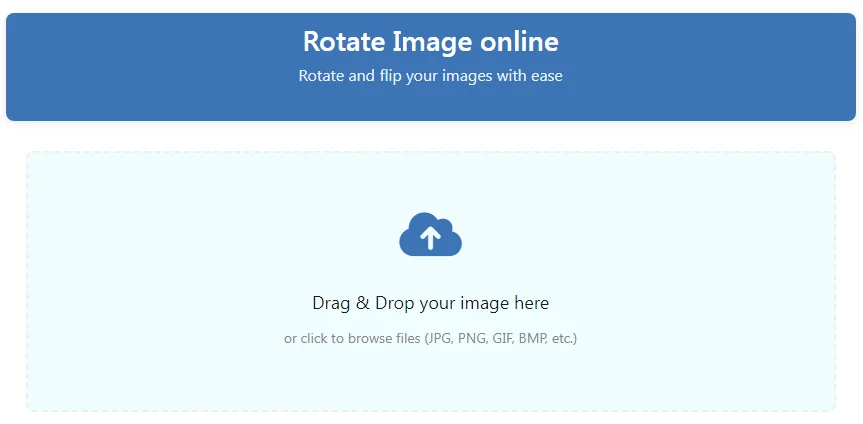
Drag & Drop your image here
or click to browse files (JPG, PNG, GIF, BMP, etc.)
Output Settings
Rotate Image Online – The Complete Guide to Perfecting Your Photos
Why Proper Image Rotation Matters
In our visually-driven digital world, properly oriented images are essential because they:
✅ Improve Professionalism – Correctly aligned images look more polished
✅ Enhance Viewing Experience – Proper orientation is easier on viewers’ eyes
✅ Meet Platform Requirements – Many websites reject sideways images
✅ Fix Common Problems – Corrects photos taken at wrong angles
Our Rotate Image Online tool makes image correction effortless while maintaining your privacy – all processing happens directly in your browser.
How to Use the Online Image Rotator
Step 1: Access the Free Tool
- Visit the Rotate Image Online tool
- The tool loads instantly – no installations required
Step 2: Upload Your Image
Supported formats: JPG, PNG, GIF, BMP, WebP
- Drag & Drop files into the workspace
- Click to Browse your device
📌 Pro Tip: The tool preserves original image quality during rotation!
Step 3: Choose Your Rotation Method
Quick Presets
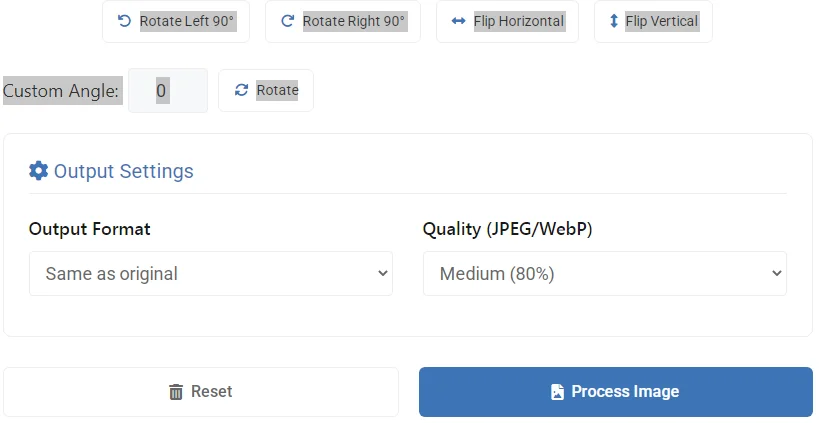
- Rotate Left 90° – Counter-clockwise turn
- Rotate Right 90° – Clockwise turn
- Flip Horizontal – Mirror image effect
- Flip Vertical – Upside-down flip
Precision Rotation
- Custom Angle – Adjust from 0° to 360° with the rotate button
- Real-time Preview – See changes as you make them
Step 4: Set Output Options
- Format: Keep original or convert to JPG/PNG/WebP
- Quality: 60-100% (for JPG/WebP formats)
Step 5: Download Your Rotated Image
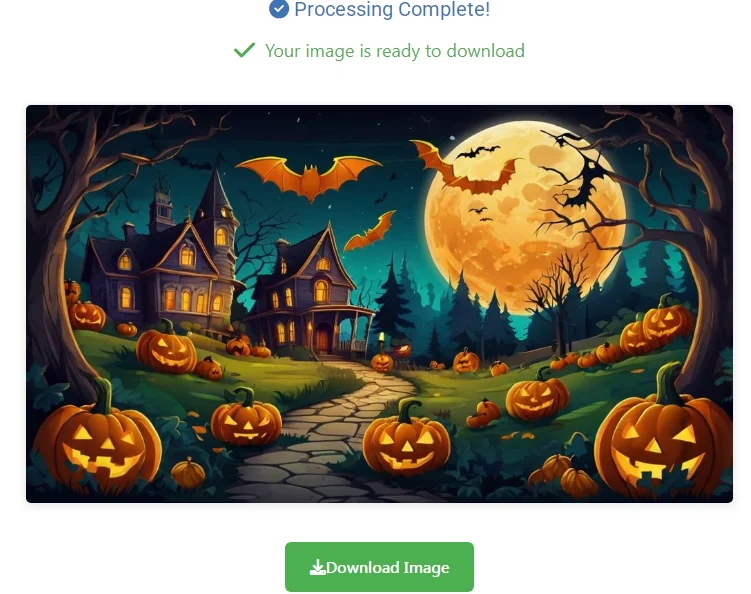
- Download Button – Save your perfectly oriented image
- Reset Button – Start over with new settings
Key Features of Our Image Rotation Tool
🔄 Multiple Rotation Options
90° increments, flips, and custom angles
🎯 Precision Control
Adjust by single degrees for perfect alignment
🖼️ Format Flexibility
Save in JPG, PNG, or WebP formats
⚡ Instant Processing
See changes in real-time with no waiting
🔒 Complete Privacy
100% browser-based – no image uploads
Who Should Use This Image Rotator?
📱 Smartphone Photographers
- Correct photos taken at wrong angles
- Fix front-camera mirroring issues
👔 Business Professionals
- Prepare properly oriented documents
- Fix scanned images
📷 Photography Enthusiasts
- Fine-tune image composition
- Create artistic flipped versions
🛍️ E-commerce Sellers
- Ensure product images display correctly
- Create variation views of items
Pro Tips for Perfect Image Rotation
- Check Horizon Lines – Use subtle rotations (1-5°) to straighten horizons
- Batch Processing – Rotate multiple images consistently
- Quality Settings – Use 90-100% for important images
- Web Optimization – WebP format at 80% quality often provides best balance
- Before/After – Compare original and rotated versions before saving
Technical Aspects of Image Rotation
How Rotation Affects Image Quality
- Lossless for 90° increments (pixel-perfect rotation)
- Minimal quality loss for custom angles (uses high-quality interpolation)
Recommended Uses for Each Option
| Rotation Type | Best For |
|---|---|
| 90° Left/Right | Smartphone photos |
| Flip Horizontal | Creating mirror images |
| Flip Vertical | Special effects |
| Custom Angle | Fine-tuning alignment |
Frequently Asked Questions
Can I rotate multiple images at once?
Currently optimized for single-image processing to ensure quality control.
Does rotation reduce image quality?
90° rotations are lossless; custom angles use high-quality algorithms to minimize quality loss.
What’s the maximum image size I can rotate?
Most modern browsers handle files up to 50MB without issues.
Can I undo a rotation after saving?
Always keep originals as our tool doesn’t store your images.
Conclusion: Perfect Image Orientation in Seconds
Whether you’re correcting smartphone photos, preparing professional documents, or creating artistic variations, our Rotate Image Online tool provides precise control with complete privacy.
By following this guide, you’ll master professional image rotation techniques to enhance all your visual content. Start rotating today! 🔄📸
🚀 Start rotating your images now – completely free with no watermarks!